
CapMeet Beta is live
CapMeet Beta is live
Record. Transcribe. Summarize. Ask.
Record meetings, webinars, and videos directly from your desktop. Instantly get transcripts, AI-powered summaries, and answers to your questions.
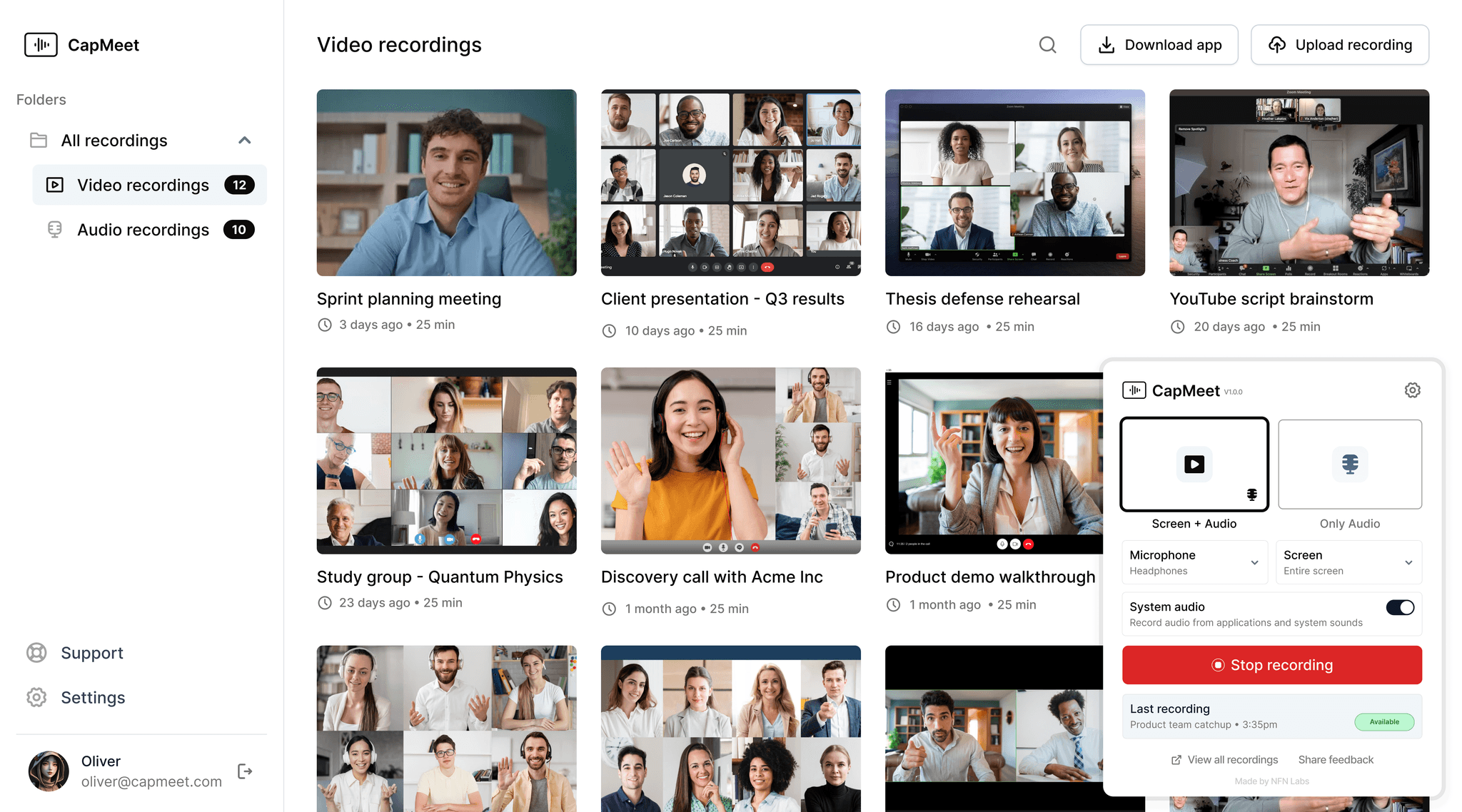
What Problem Does CapMeet Solve?
What Problem Does
CapMeet Solve?
If you are always asking questions like…
How do I capture key points from long meetings without losing focus?
How do I capture key points from long meetings without losing focus?
Why waste hours rewatching recordings just to find one answer?
Why waste hours rewatching recordings just to find one answer?
How can I easily share meeting takeaways with my team?
How can I easily share meeting takeaways with my team?
CapMeet is the Answer
Important details often get lost in long meetings, webinars, or lectures. Rewatching hours of recordings just to find one answer wastes time, and manual note-taking means you’re either distracted during the discussion or you miss critical points. Sharing key information with teammates later becomes another challenge.
CapMeet solves this by capturing your sessions, turning them into searchable transcripts, generating clear summaries, and letting you ask questions directly on your recordings. Instead of digging through hours of content, you get the exact insight you need in seconds.
CapMeet Key Features
CapMeet Key Features
CapMeet Key Features
Work Smarter, Not Scattered.
So that you can focus on what matters most
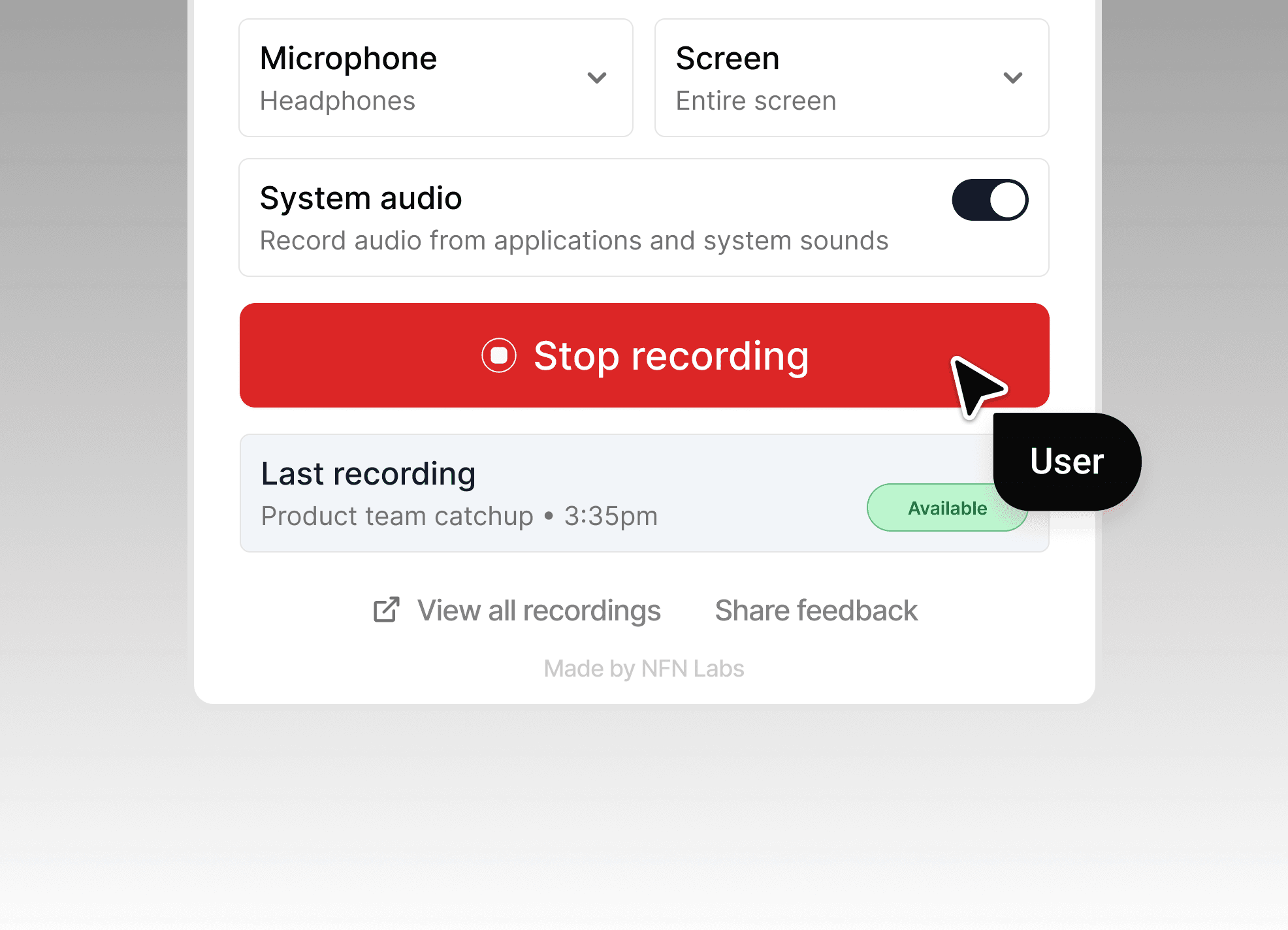
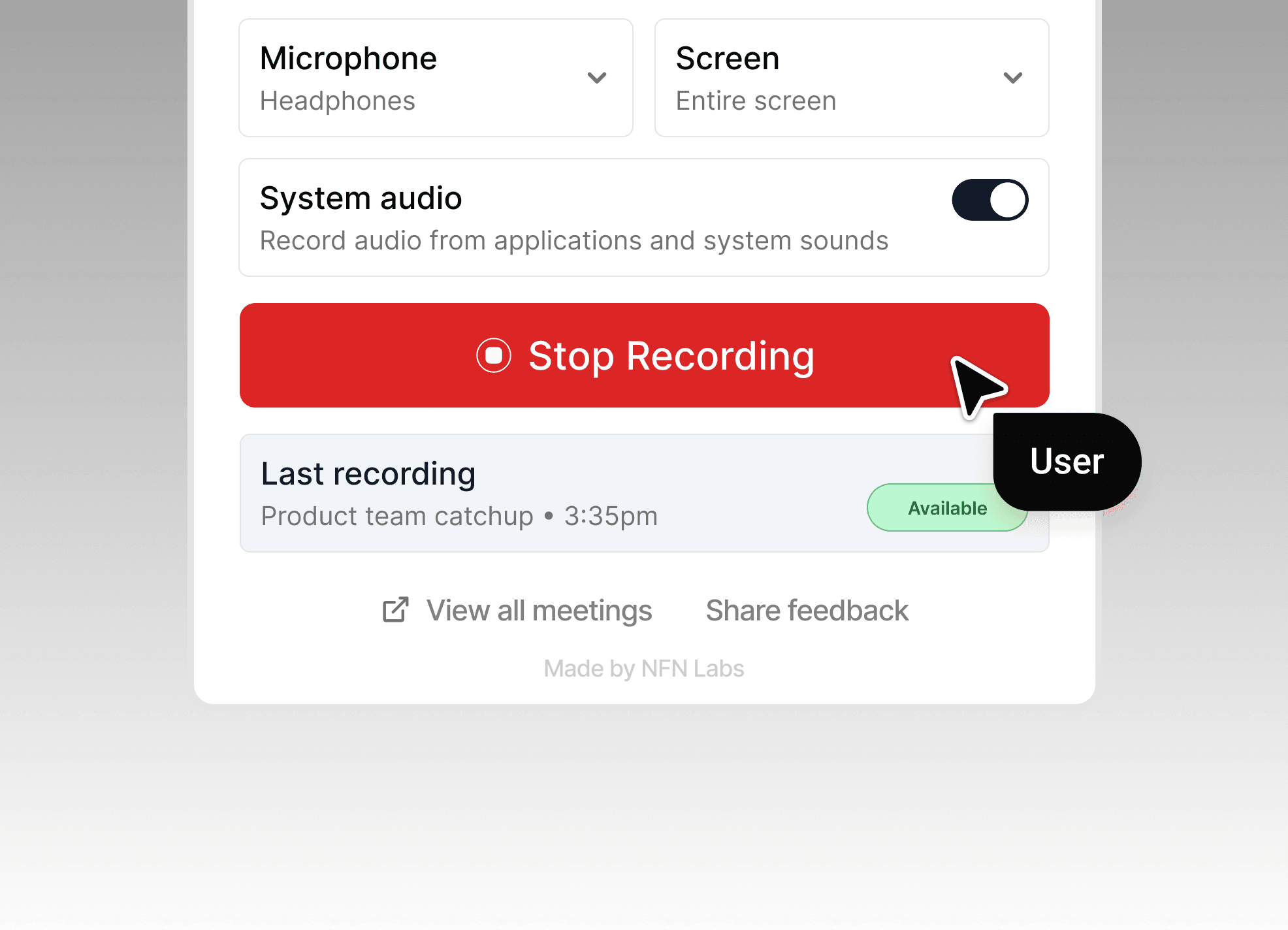
One-Click Recording
Record meetings, lectures, or training sessions directly from your desktop app. Save them securely to the cloud for later review.
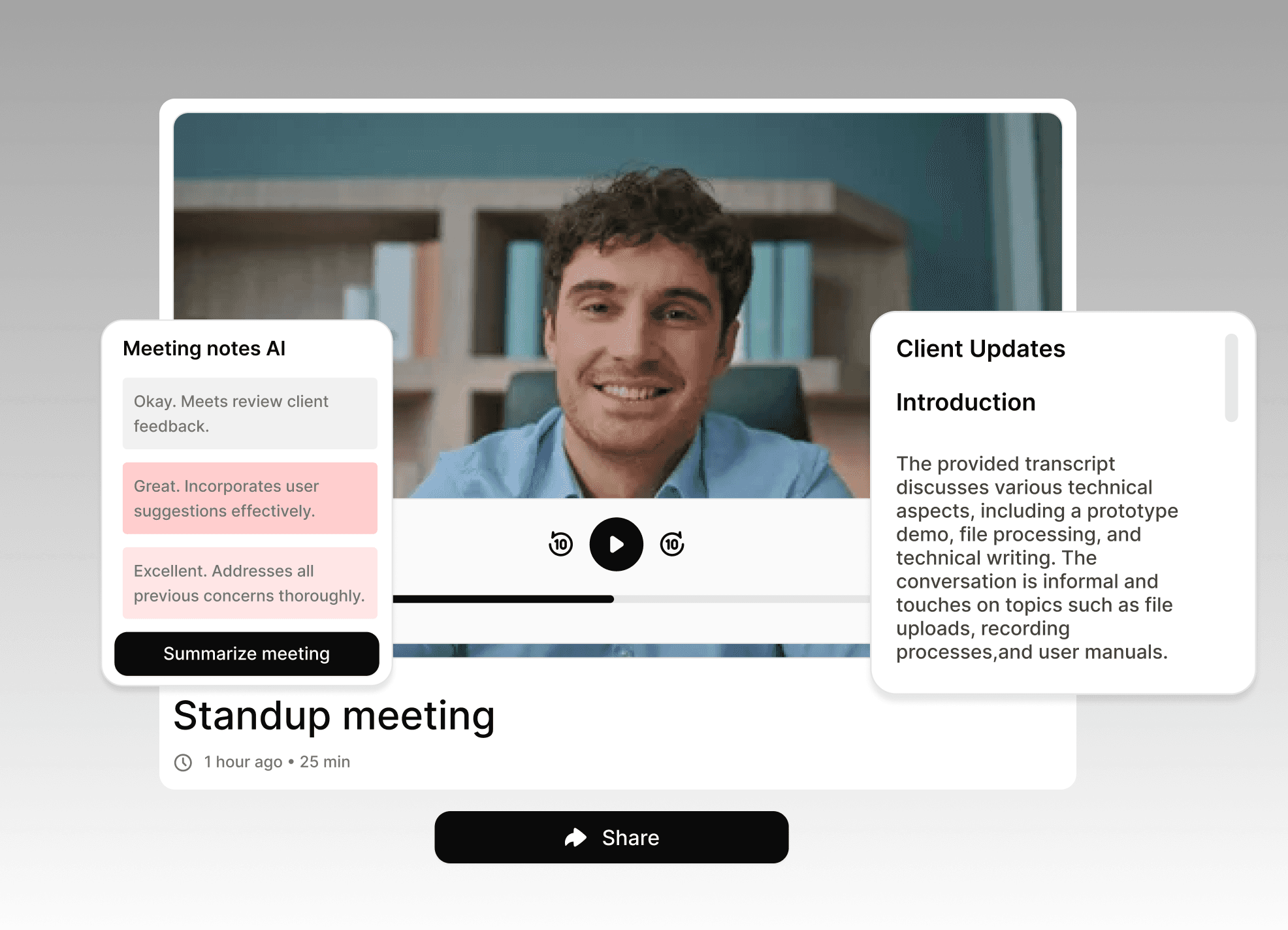
AI-Generated Transcripts
Every recording is automatically transcribed with high accuracy, searchable by keywords or timestamps.
Instant Summaries
No time to rewatch? CapMeet generates clear, actionable summaries you can review or share with your team.
One-Click Recording
Record meetings, lectures, or training sessions directly from your desktop app. Save them securely to the cloud for later review.
AI-Generated Transcripts
Every recording is automatically transcribed with high accuracy, searchable by keywords or timestamps.
Instant Summaries
No time to rewatch? CapMeet generates clear, actionable summaries you can review or share with your team.
One-Click Recording
Record meetings, lectures, or training sessions directly from your desktop app. Save them securely to the cloud for later review.
AI-Generated Transcripts
Every recording is automatically transcribed with high accuracy, searchable by keywords or timestamps.
Instant Summaries
No time to rewatch? CapMeet generates clear, actionable summaries you can review or share with your team.
Smart Q&A
Ask questions about your recording like "What was the project deadline mentioned?" and get instant answers from the transcript.
Upload Your Own Files
Bring your existing video or audio recordings into CapMeet and get the same transcription, summarization, and Q&A benefits.
Who Is CapMeet Built For?
Who Is CapMeet Built For?
Remote Teams & Managers
Capture details from team calls and strategy sessions.
Capture details from team calls and strategy sessions.
Capture details from team calls and strategy sessions.
Keep track of client updates without missing context.
Keep track of client updates without missing context.
Keep track of client updates without missing context.
Share transcripts and summaries across the team.
Share transcripts and summaries across the team.
Share transcripts and summaries across the team.
Researchers & Students
Group academic papers and reference material automatically
Group academic papers and reference material automatically
Export or share collections for peer review or study groups
Export or share collections for peer review or study groups
No more lost links or scattered browser windows
No more lost links or scattered browser windows
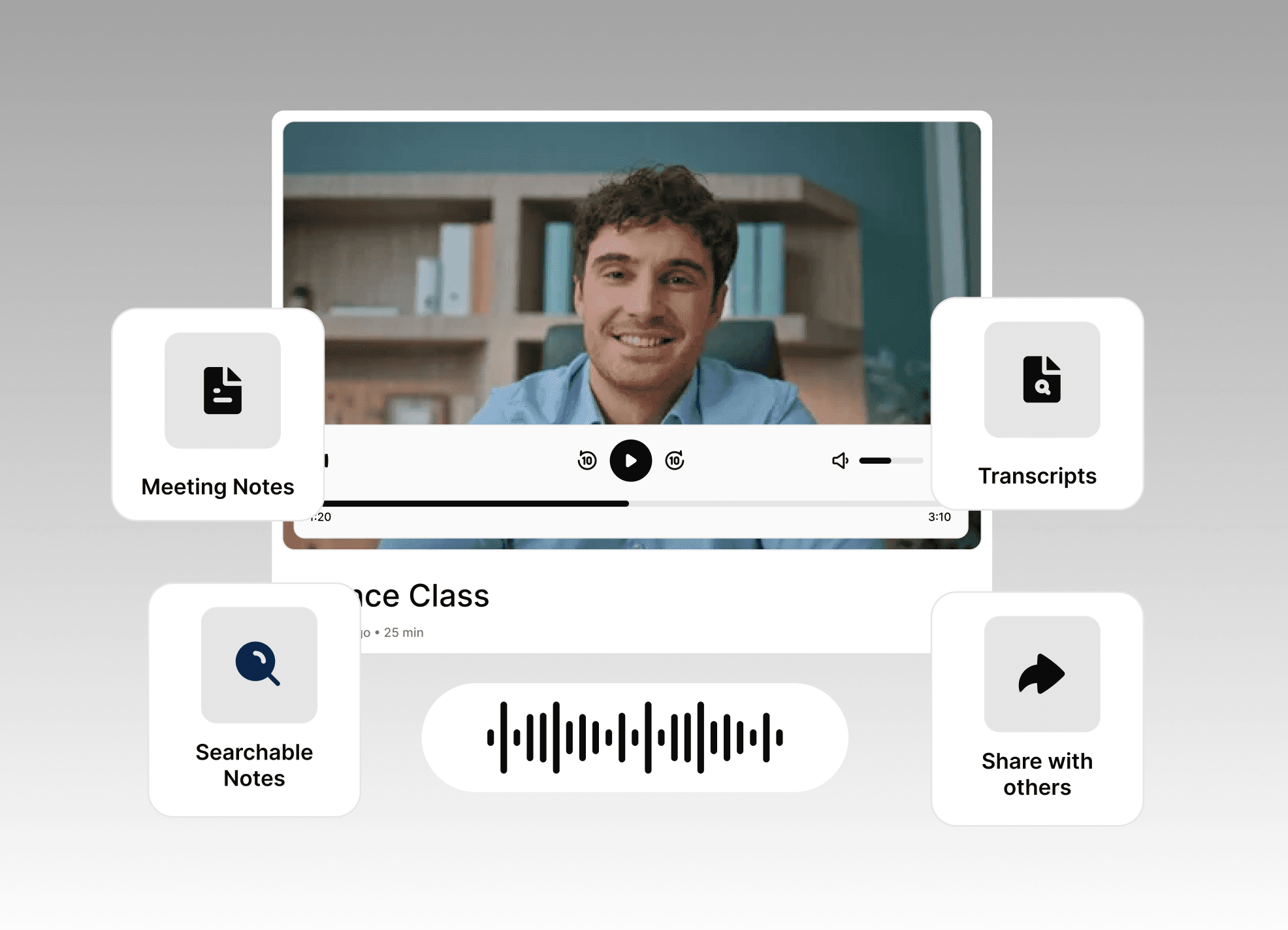
Students & Researchers
Record lectures and webinars for later reference.
Record lectures and webinars for later reference.
Review transcripts to prepare for exams.
Review transcripts to prepare for exams.
Use searchable notes for research work.
Use searchable notes for research work.
Professionals & Freelancers
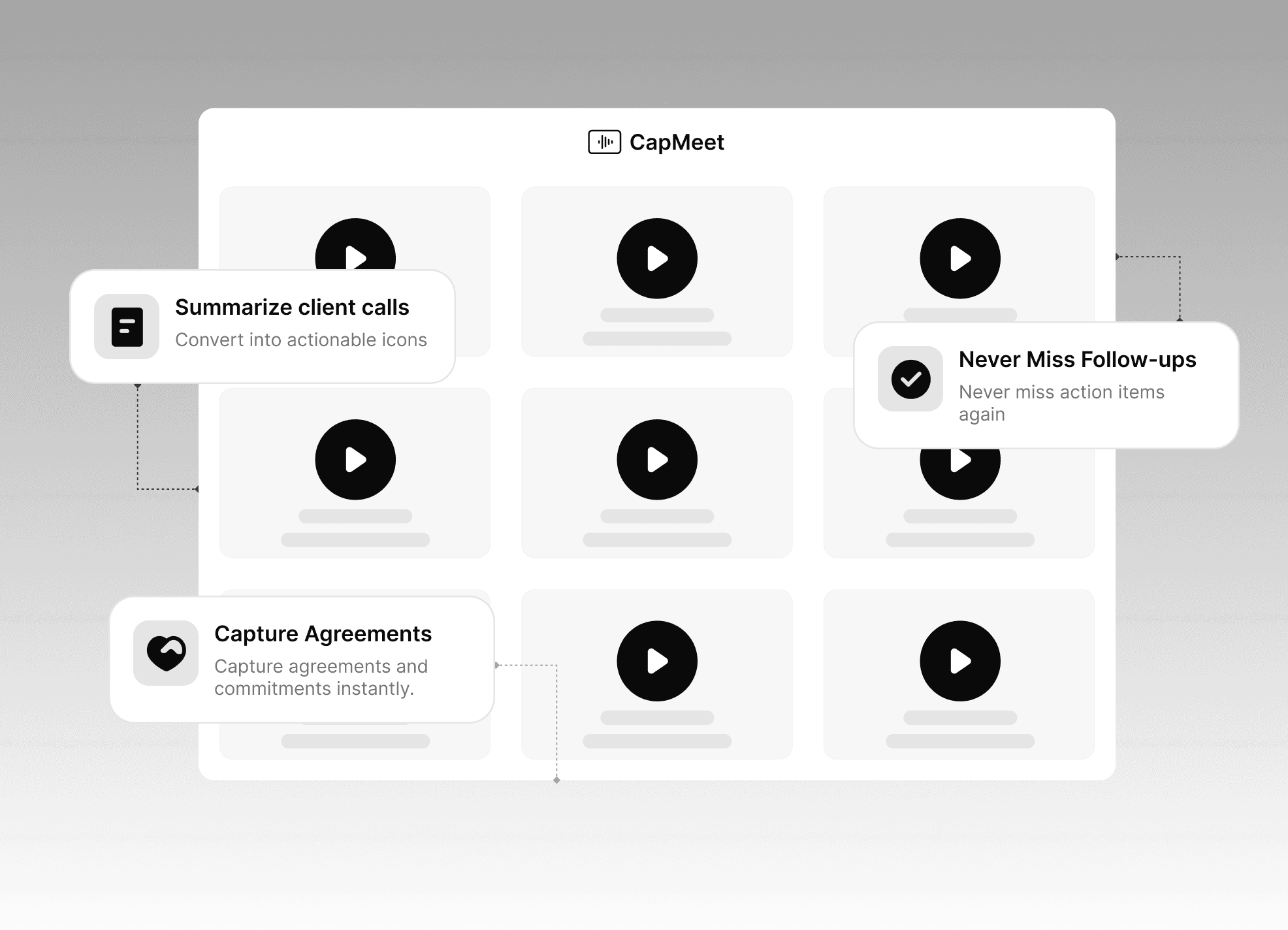
Summarize client calls into actionable notes.
Summarize client calls into actionable notes.
Summarize client calls into actionable notes.
Capture agreements and commitments instantly.
Capture agreements and commitments instantly.
Capture agreements and commitments instantly.
Never miss follow-ups or action items again.
Never miss follow-ups or action items again.
Never miss follow-ups or action items again.
Content Creators
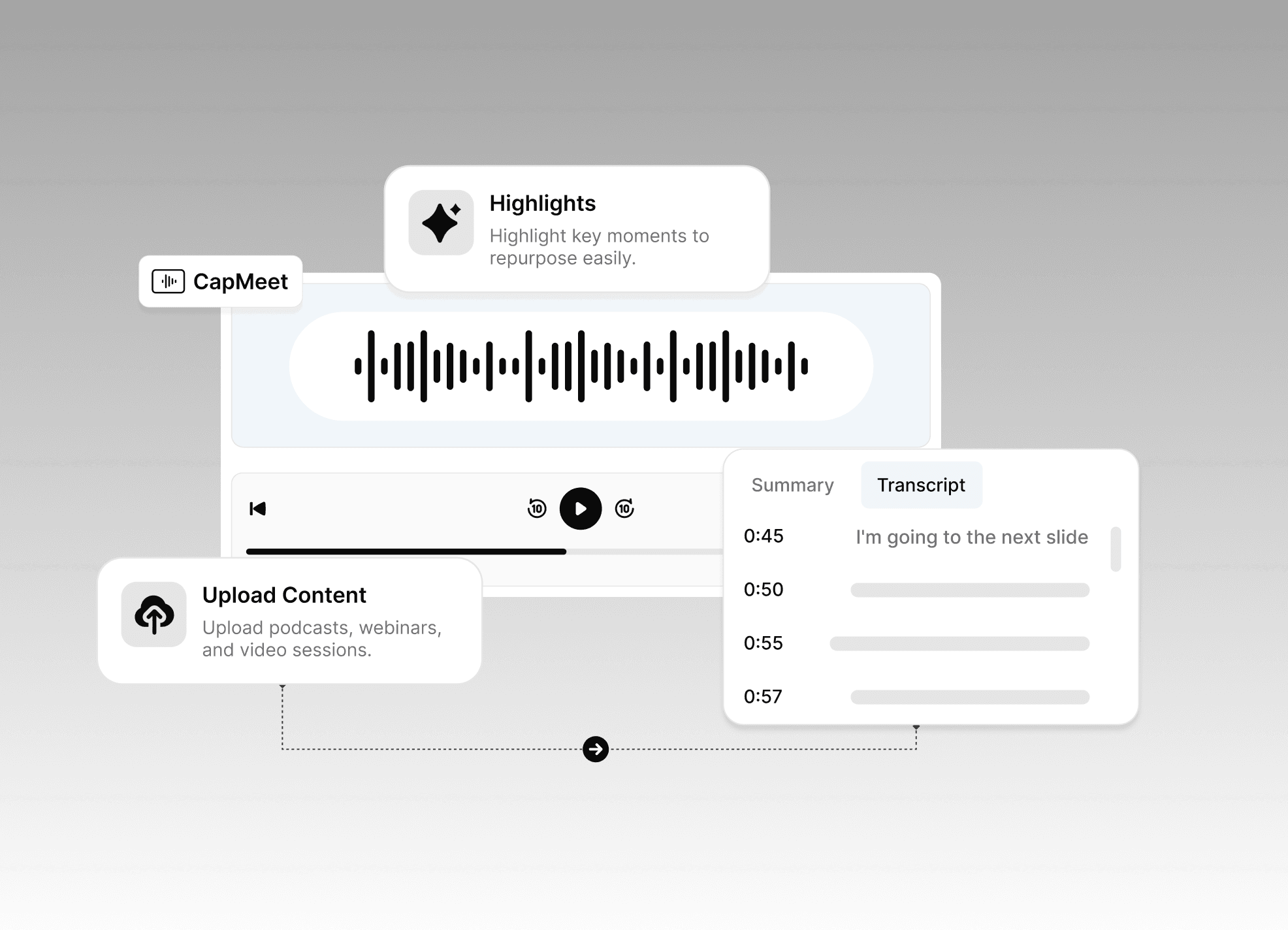
Upload podcasts, webinars, and video sessions.
Upload podcasts, webinars, and video sessions.
Upload podcasts, webinars, and video sessions.
Convert content into searchable transcripts.
Convert content into searchable transcripts.
Convert content into searchable transcripts.
Highlight key moments to repurpose easily.
Highlight key moments to repurpose easily.
Highlight key moments to repurpose easily.
FAQ
FAQ
FAQ
Here are the answers to your questions
After reading this section, if you still have questions,
feel free to contact us however you want.
How do I start recording?
Use the CapMeet desktop app on your Windows or Mac. Just click Start Recording and your session will be captured in high quality.
How do I start recording?
Use the CapMeet desktop app on your Windows or Mac. Just click Start Recording and your session will be captured in high quality.
How do I start recording?
Use the CapMeet desktop app on your Windows or Mac. Just click Start Recording and your session will be captured in high quality.
Can I upload my own video files?
Yes, CapMeet supports audio and video uploads for transcription and summarization. Simply upload your file to CapMeet, and it will automatically generate a searchable transcript and summary. CapMeet supports all common formats including MP4, WebM, MPEG for video, and MP3, WAV, M4A, WebM for audio.
Can I upload my own video files?
Yes, CapMeet supports audio and video uploads for transcription and summarization. Simply upload your file to CapMeet, and it will automatically generate a searchable transcript and summary. CapMeet supports all common formats including MP4, WebM, MPEG for video, and MP3, WAV, M4A, WebM for audio.
Can I upload my own video files?
Yes, CapMeet supports audio and video uploads for transcription and summarization. Simply upload your file to CapMeet, and it will automatically generate a searchable transcript and summary. CapMeet supports all common formats including MP4, WebM, MPEG for video, and MP3, WAV, M4A, WebM for audio.
Is my data private?
Absolutely. Your recordings are encrypted, and only you control access.
Is my data private?
Absolutely. Your recordings are encrypted, and only you control access.
Is my data private?
Absolutely. Your recordings are encrypted, and only you control access.
What can I record with CapMeet?
Anything! CapMeet captures any audio or video from your desktop—online meetings (Zoom, Google Meet, Teams), virtual events, educational lectures, podcast recordings, client presentations, research interviews, training sessions, and more. If you can hear it or see it on your screen, CapMeet can record and transcribe it.
What can I record with CapMeet?
Anything! CapMeet captures any audio or video from your desktop—online meetings (Zoom, Google Meet, Teams), virtual events, educational lectures, podcast recordings, client presentations, research interviews, training sessions, and more. If you can hear it or see it on your screen, CapMeet can record and transcribe it.
What can I record with CapMeet?
Anything! CapMeet captures any audio or video from your desktop—online meetings (Zoom, Google Meet, Teams), virtual events, educational lectures, podcast recordings, client presentations, research interviews, training sessions, and more. If you can hear it or see it on your screen, CapMeet can record and transcribe it.
What’s included in the free plan?
You can record or upload up to 10 sessions, with transcripts, summaries, and Q&A included.
What’s included in the free plan?
You can record or upload up to 10 sessions, with transcripts, summaries, and Q&A included.
What’s included in the free plan?
You can record or upload up to 10 sessions, with transcripts, summaries, and Q&A included.
When can I access the Pro plan?
Pro plan with exciting features is coming soon.
When can I access the Pro plan?
Pro plan with exciting features is coming soon.
When can I access the Pro plan?
Pro plan with exciting features is coming soon.
Why do I see a warning when installing CapMeet?
Our desktop app is safe to install, but since we’re still completing the verification process, Windows and macOS may show a warning during installation.
• Windows: “Windows protected your PC” → click More info → Run anyway.
• macOS: “App can’t be opened because it is from an unidentified developer” → go to System Preferences → Security & Privacy → Open Anyway.
We’re in the process of getting verified, so this warning will disappear in future releases.
Why do I see a warning when installing CapMeet?
Our desktop app is safe to install, but since we’re still completing the verification process, Windows and macOS may show a warning during installation.
• Windows: “Windows protected your PC” → click More info → Run anyway.
• macOS: “App can’t be opened because it is from an unidentified developer” → go to System Preferences → Security & Privacy → Open Anyway.
We’re in the process of getting verified, so this warning will disappear in future releases.
Why do I see a warning when installing CapMeet?
Our desktop app is safe to install, but since we’re still completing the verification process, Windows and macOS may show a warning during installation.
• Windows: “Windows protected your PC” → click More info → Run anyway.
• macOS: “App can’t be opened because it is from an unidentified developer” → go to System Preferences → Security & Privacy → Open Anyway.
We’re in the process of getting verified, so this warning will disappear in future releases.
Pricing
Pricing
For free you get:
Up to 10 recordings
Transcripts, summaries, and Q&A included
Quick sign-in, no setup hassle

Pro Plan
Coming Soon
For free you get:
Up to 10 recordings
Transcripts, summaries, and Q&A included
Quick sign-in, no setup hassle
Pro Plan
Coming Soon
For free you get:
Up to 10 recordings
Transcripts, summaries, and Q&A included
Quick sign-in, no setup hassle
Pro Plan
Coming Soon
Try CapMeet Today
Try CapMeet Today
Try CapMeet Today
Stay focused on what's being said.
Leave the note-taking to us.
With CapMeet, you stay engaged in the conversation while we handle the transcripts, summaries, and insights.
With CapMeet, you stay engaged in the conversation while we handle the transcripts, summaries, and insights.
With CapMeet, you stay engaged in the conversation while we handle the transcripts, summaries, and insights.